CS 180: Computer Vision and Computational Photography
Project Overview
In this project, I use the Stanford Light Field Archive Dataset to perform detth refocussing and aperture adjustment of images. We take advantage of the dataset having multiple rectified and cropped images taken over a regularly spaced grid.
Part 1: Depth Refocusing
The Stanford Light Field Archive provides us with datasets of images taken over a regularly spaced grid. By simply averaging all the images, the objects far away from the camera are sharp, because their positions do not vary significantly when the camera moves around (the optical axis direction is unchanged). In contrast, objects closer to the camera appear blurry.
To refocus depth, we can shift the images appropriately with respect to the center image, which is the image with coordinates (8, 8) on the (17, 17) grid. The filename of each image provides the location of their respective view. We subtract from it the location of the view of the center image, to get the appropriate shift. We then introduce a parameter depth called alpha, using which we control the amount of the shift, and thus the depth we focus on.
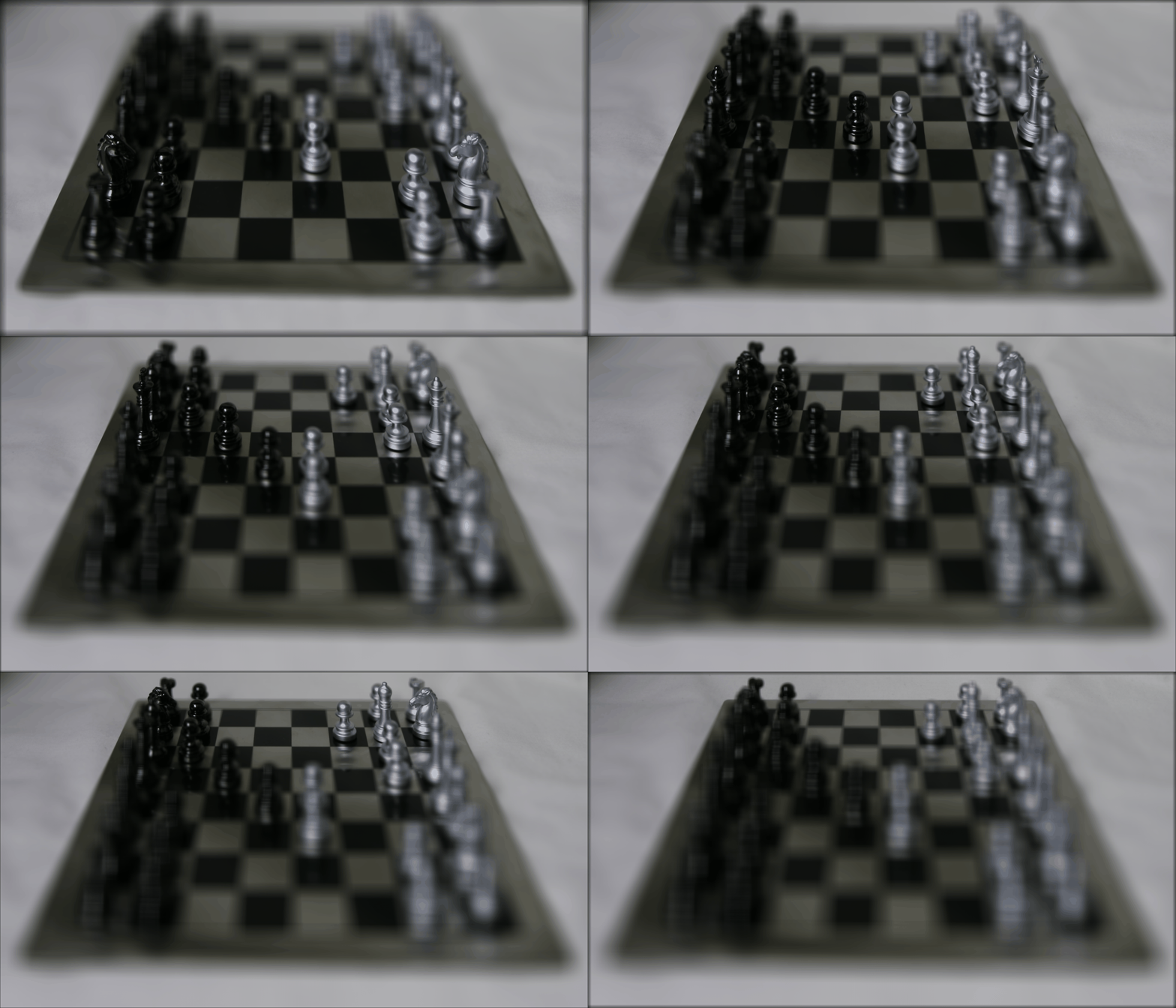
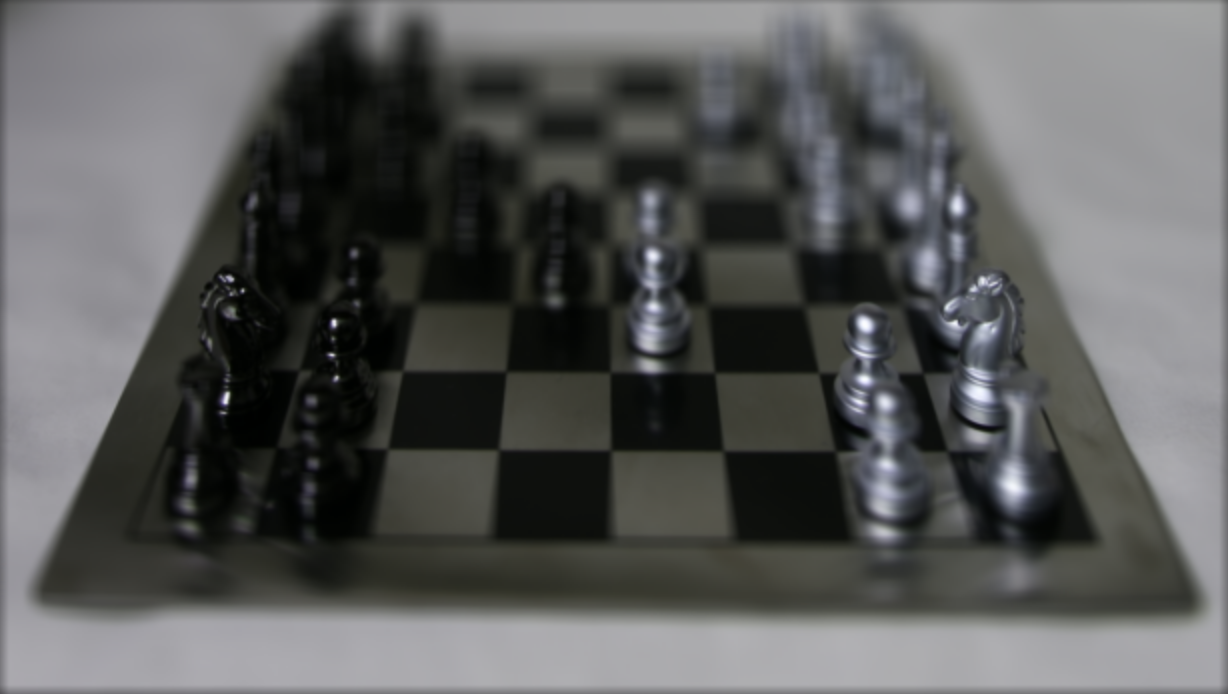
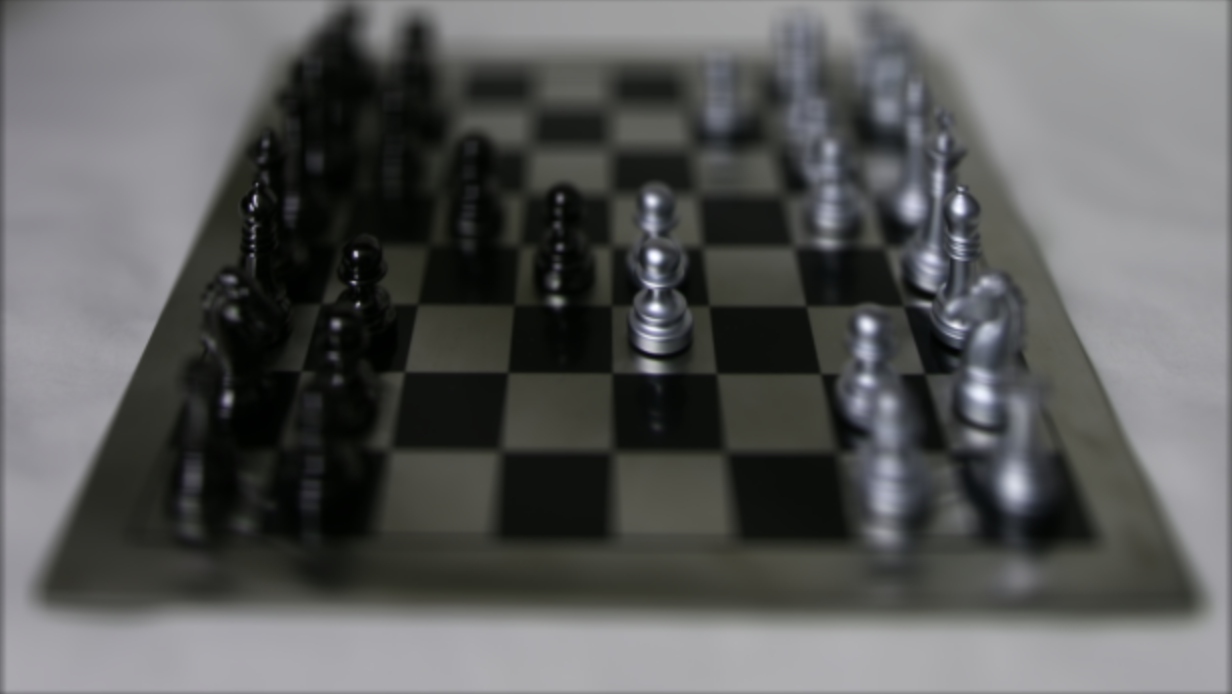
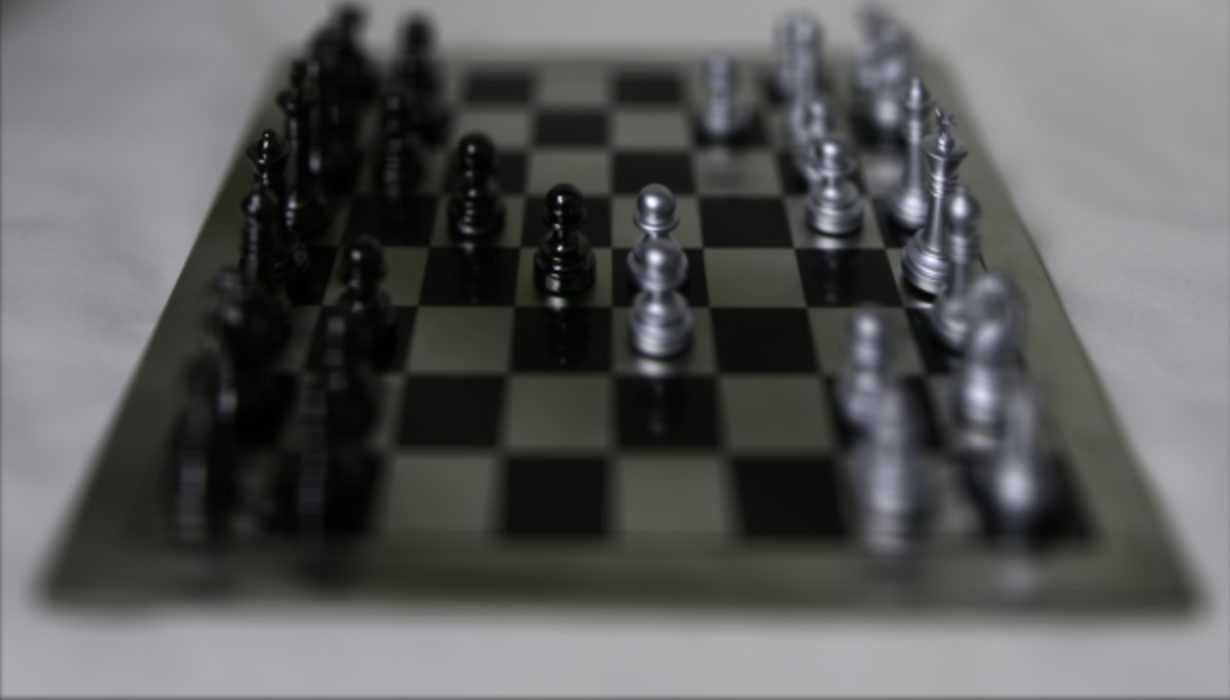
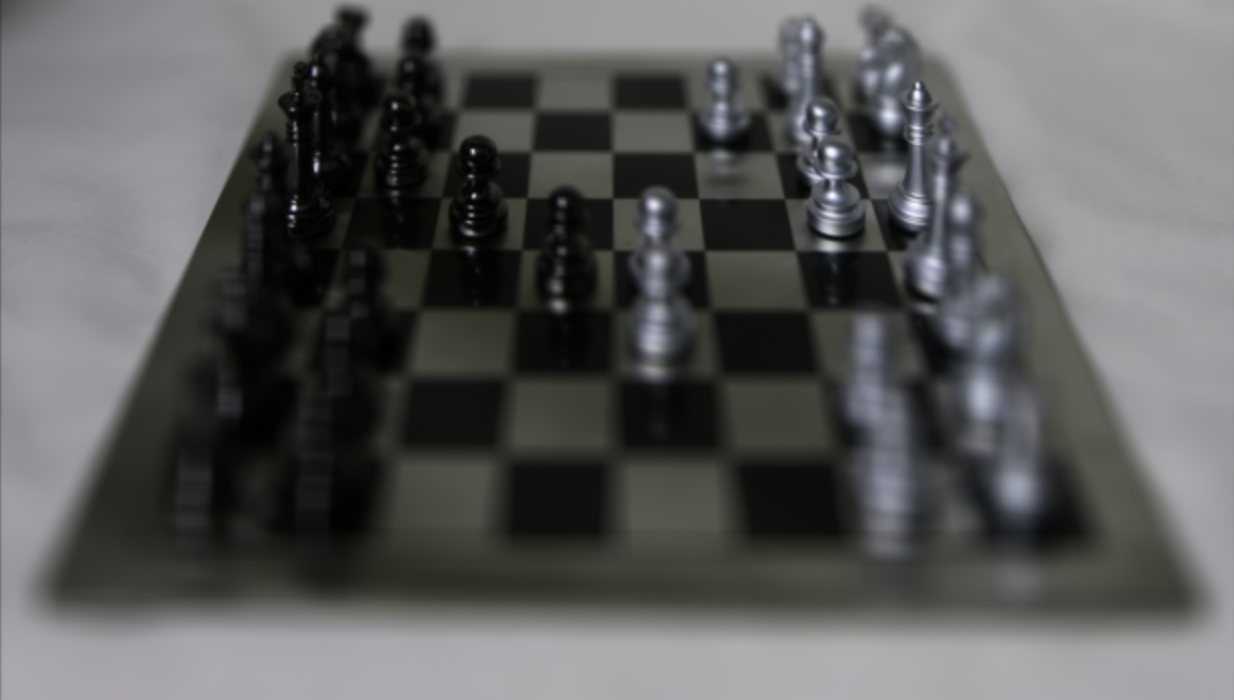
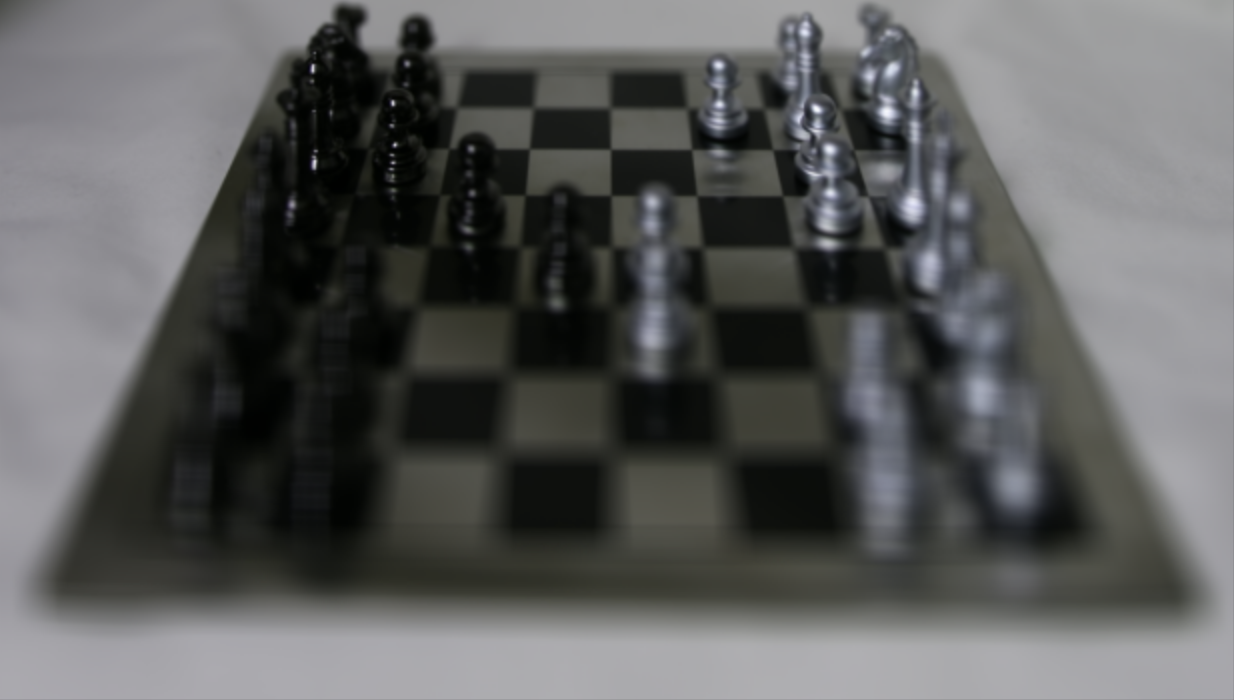
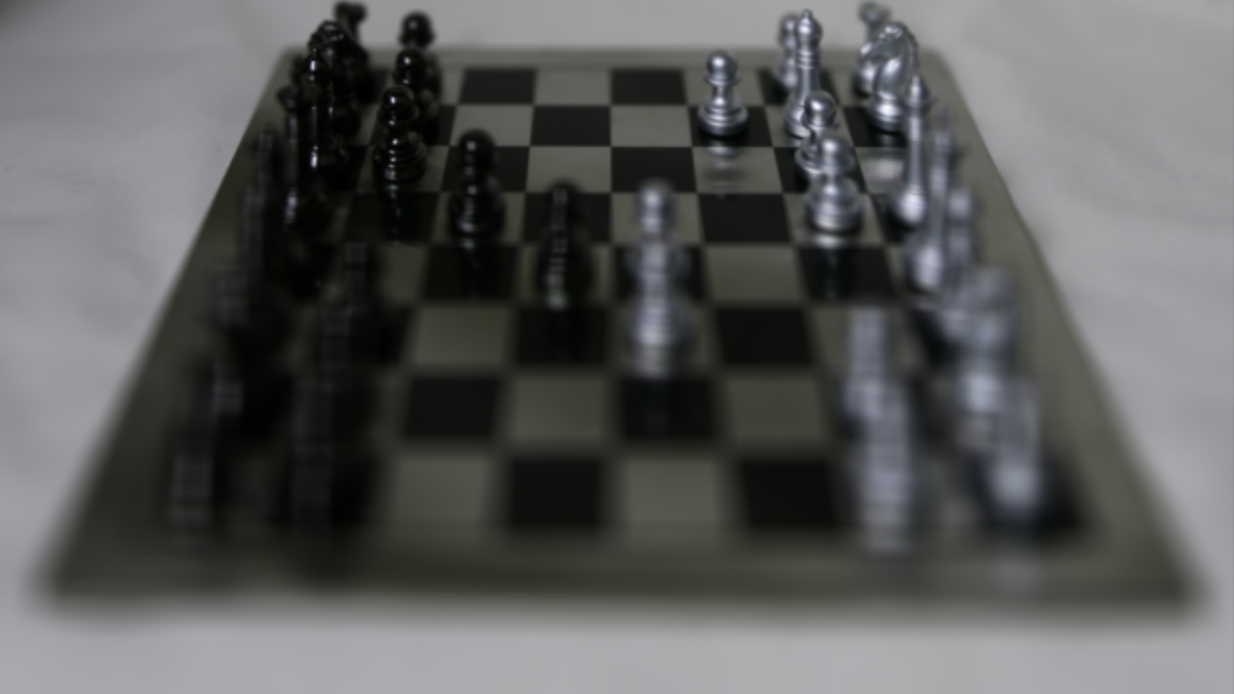
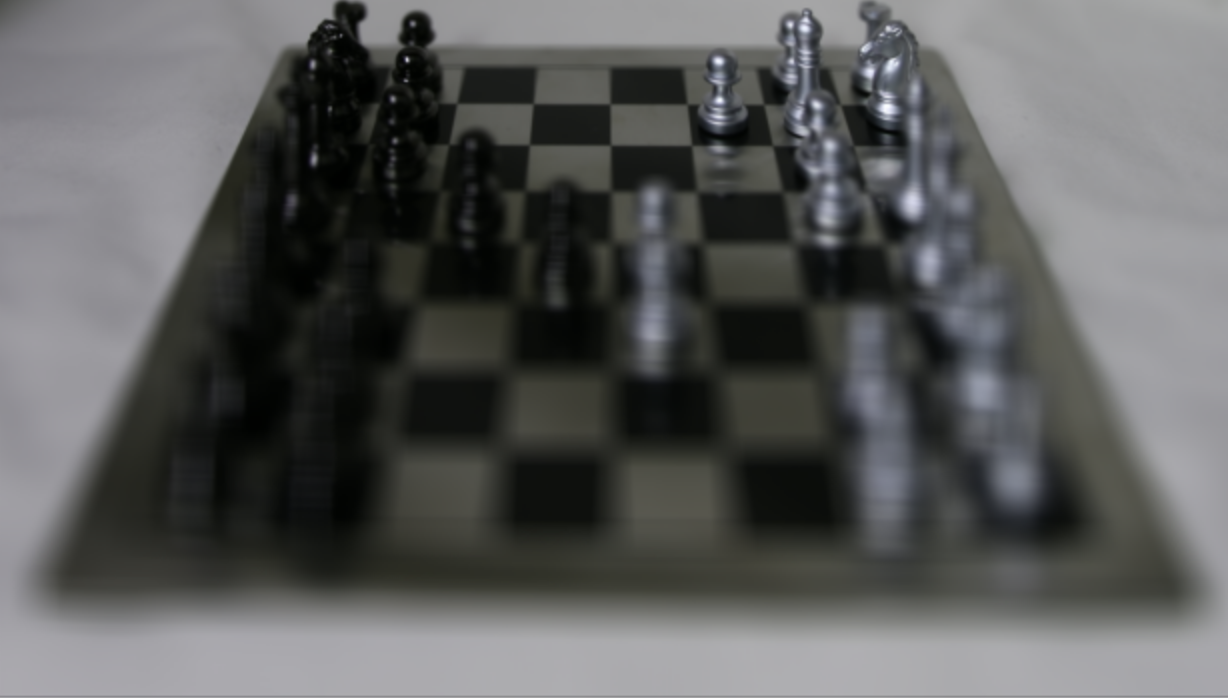
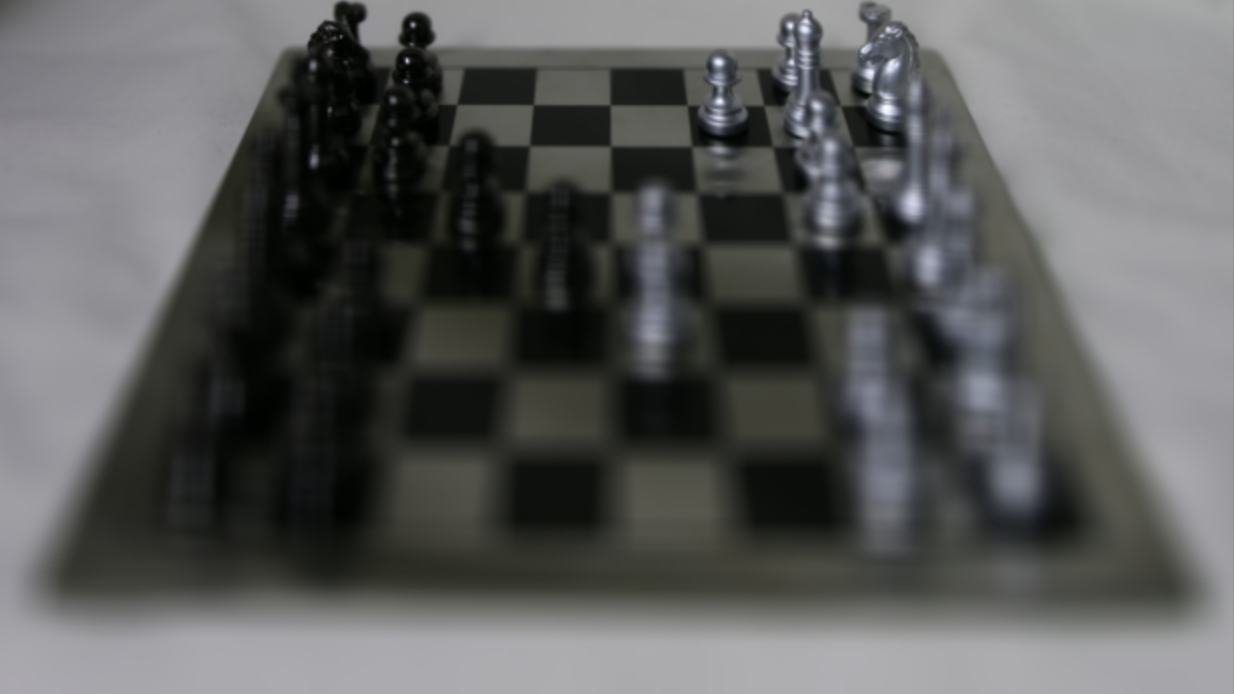
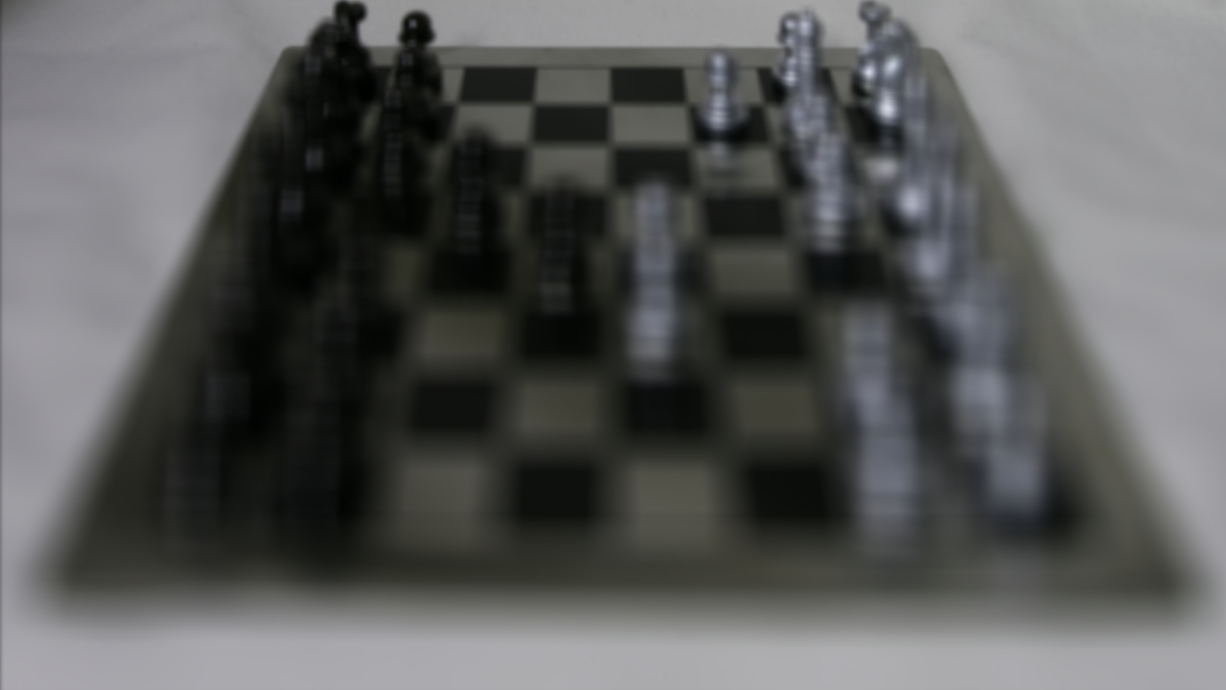
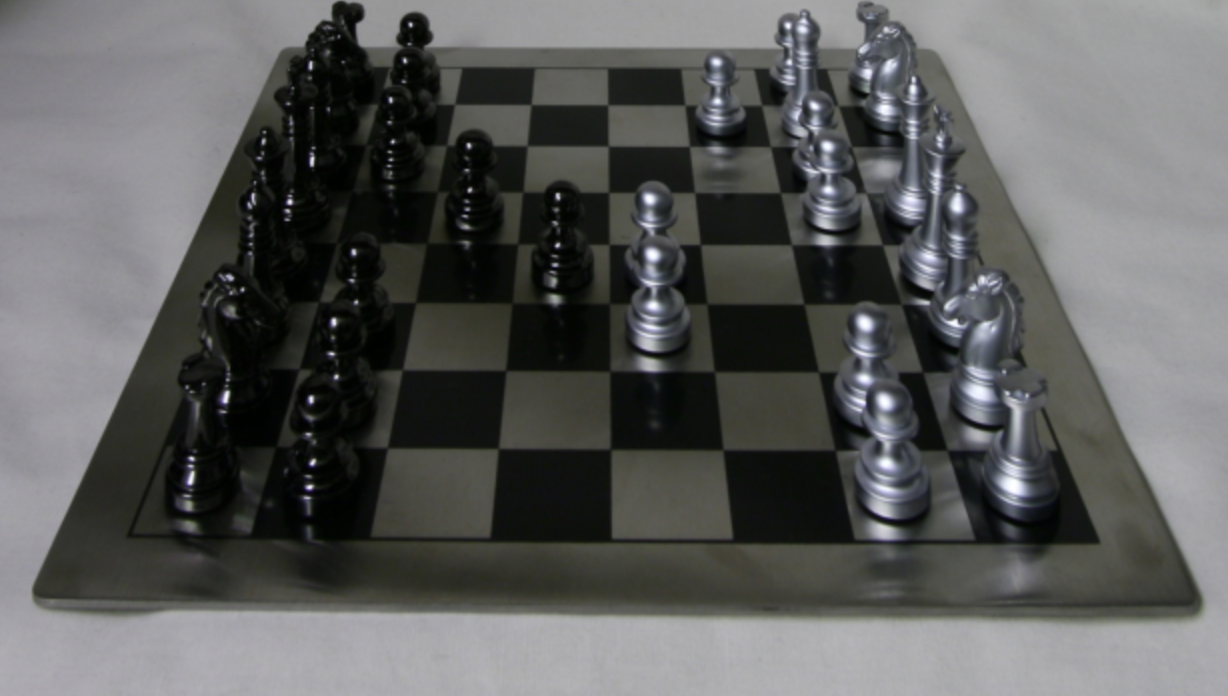
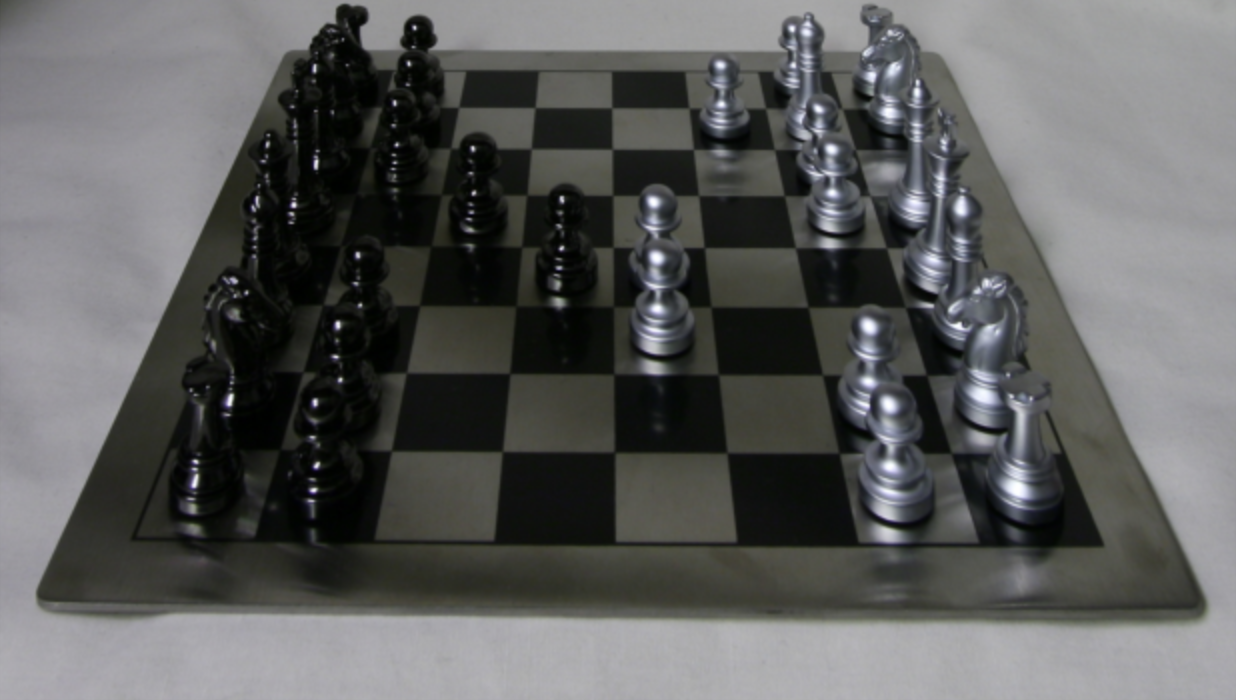
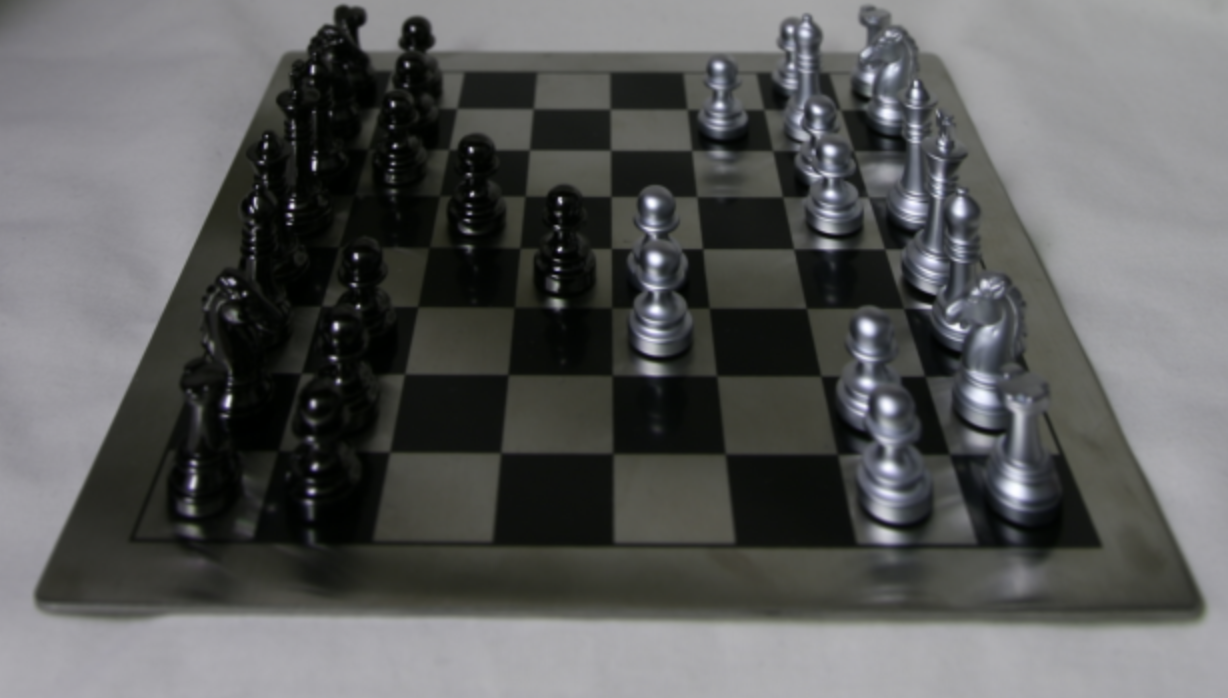
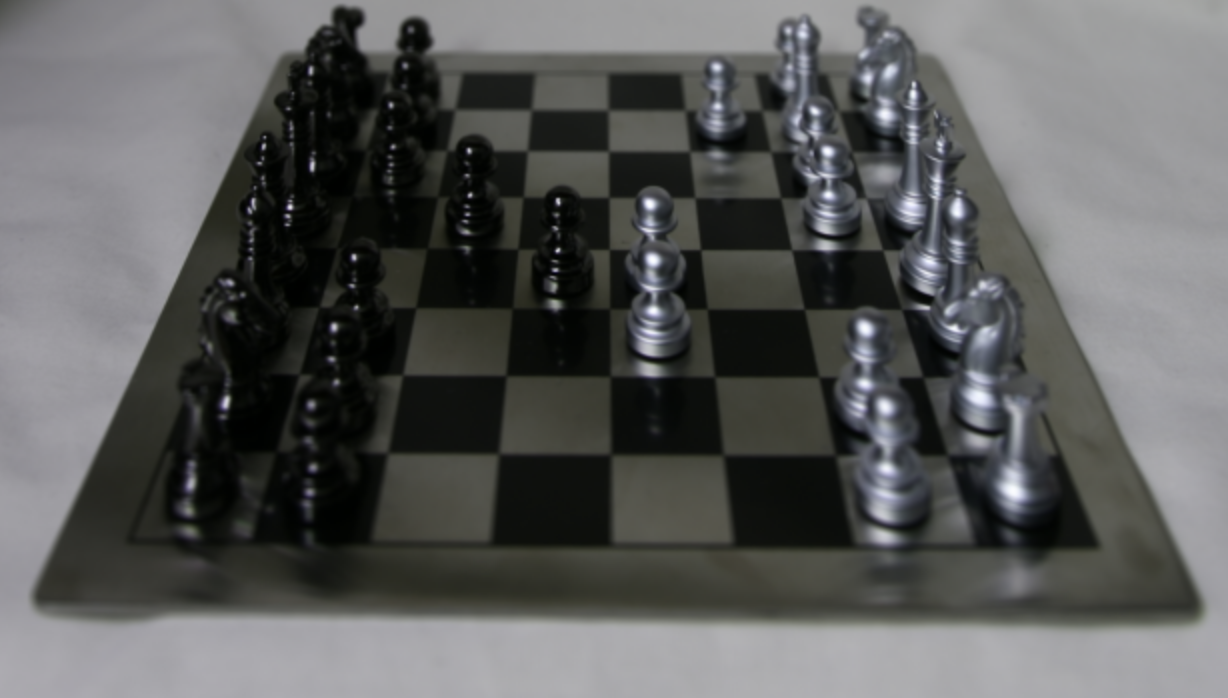
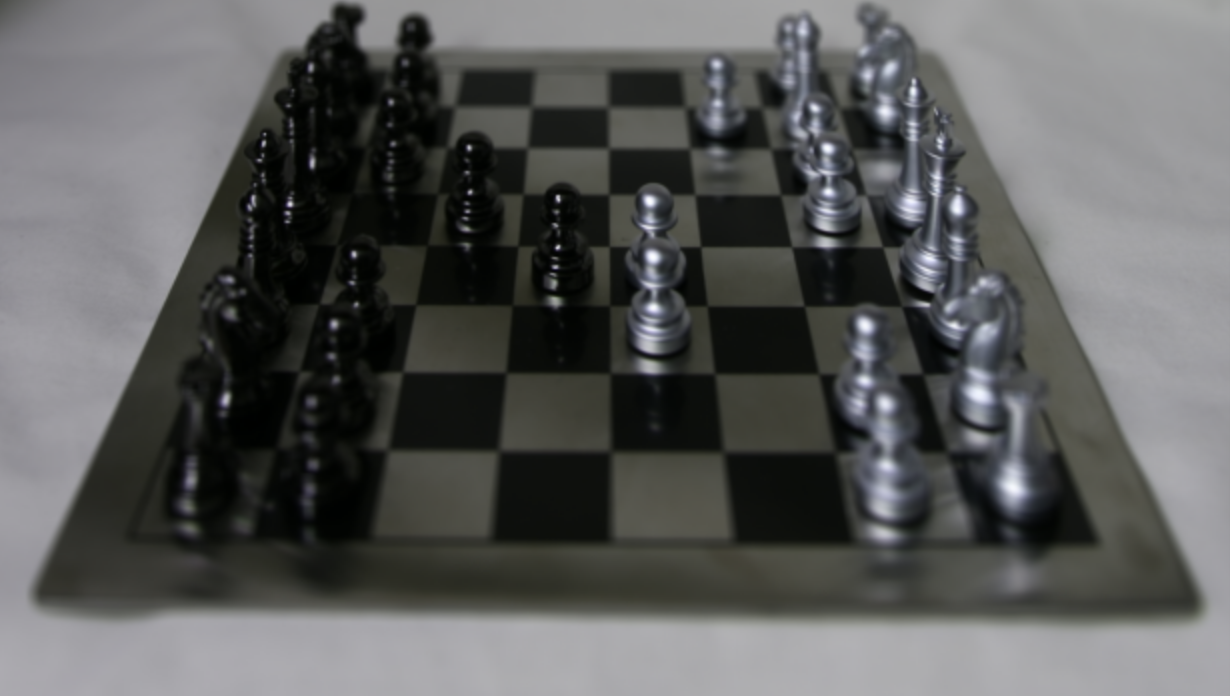
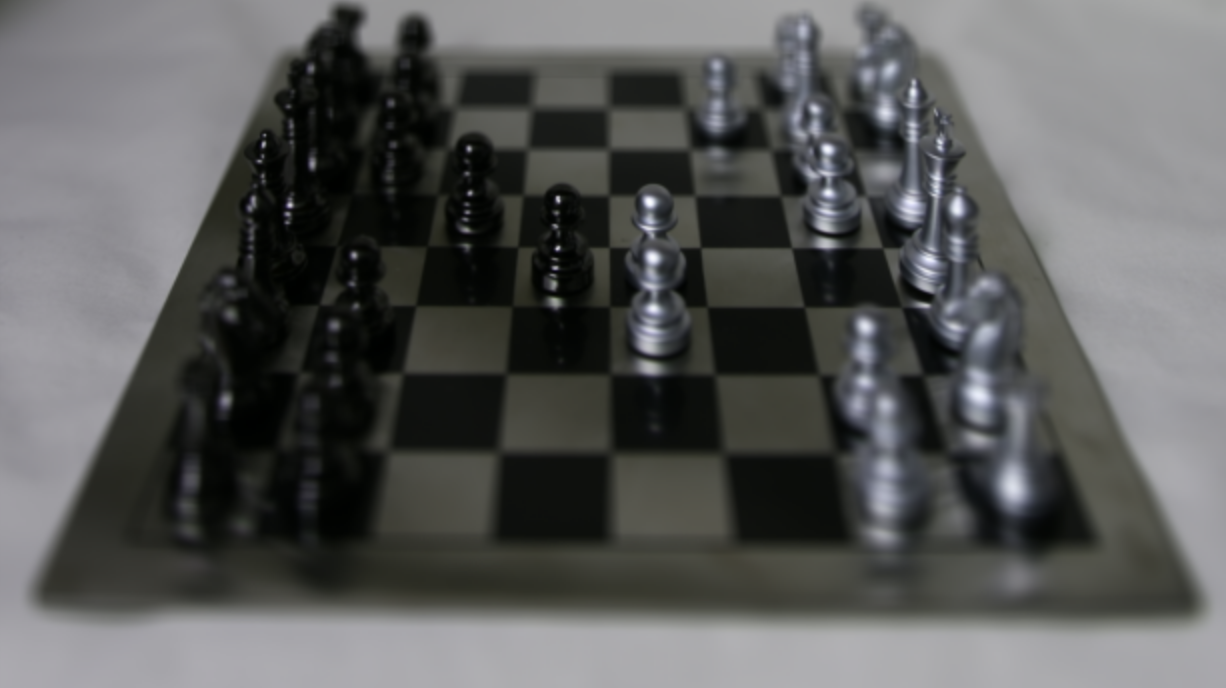
GIF: Chess Board through different focus depths
Alpha = 2Alpha = 1.5Alpha = 1
Alpha = 0.5Alpha = 0.2Alpha = 0.1
Alpha = -0.1Alpha = -0.2Alpha = -0.9
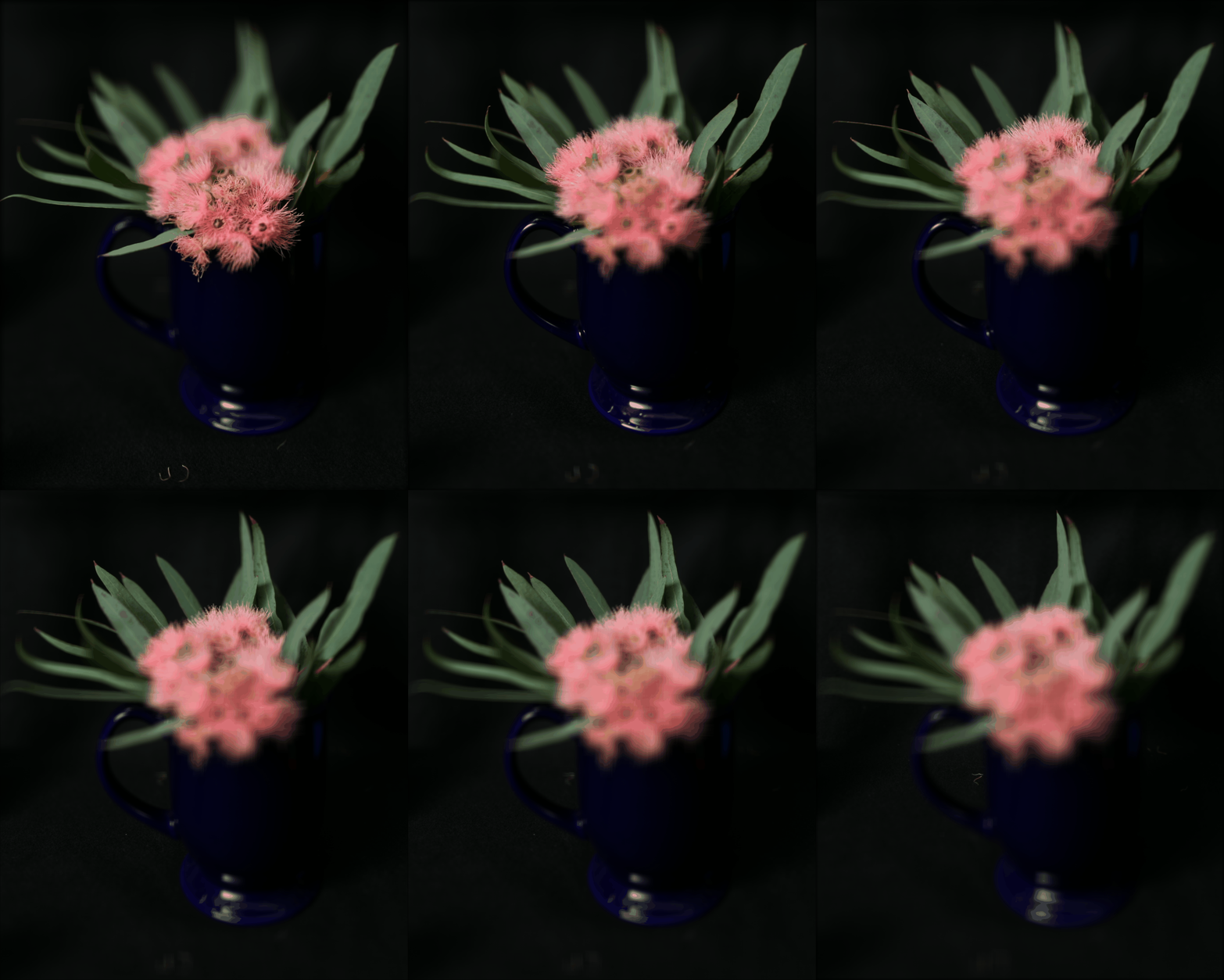
GIF: Flower through different focus depths
Part 2: Aperture Adjustment
This part involves mimicing aperture adjustment like in a camera. I first identify the center of the grid in the dataset - in this case (8, 8) and also define a hyperparameter which is the radius. We choose a radius and sample all images within that radius of the center image. And just like in Part 1, we shift them appropriately and average these images.
Please note: radius = 0 means sampling only the center image and larger radius means sampling more images around the center.
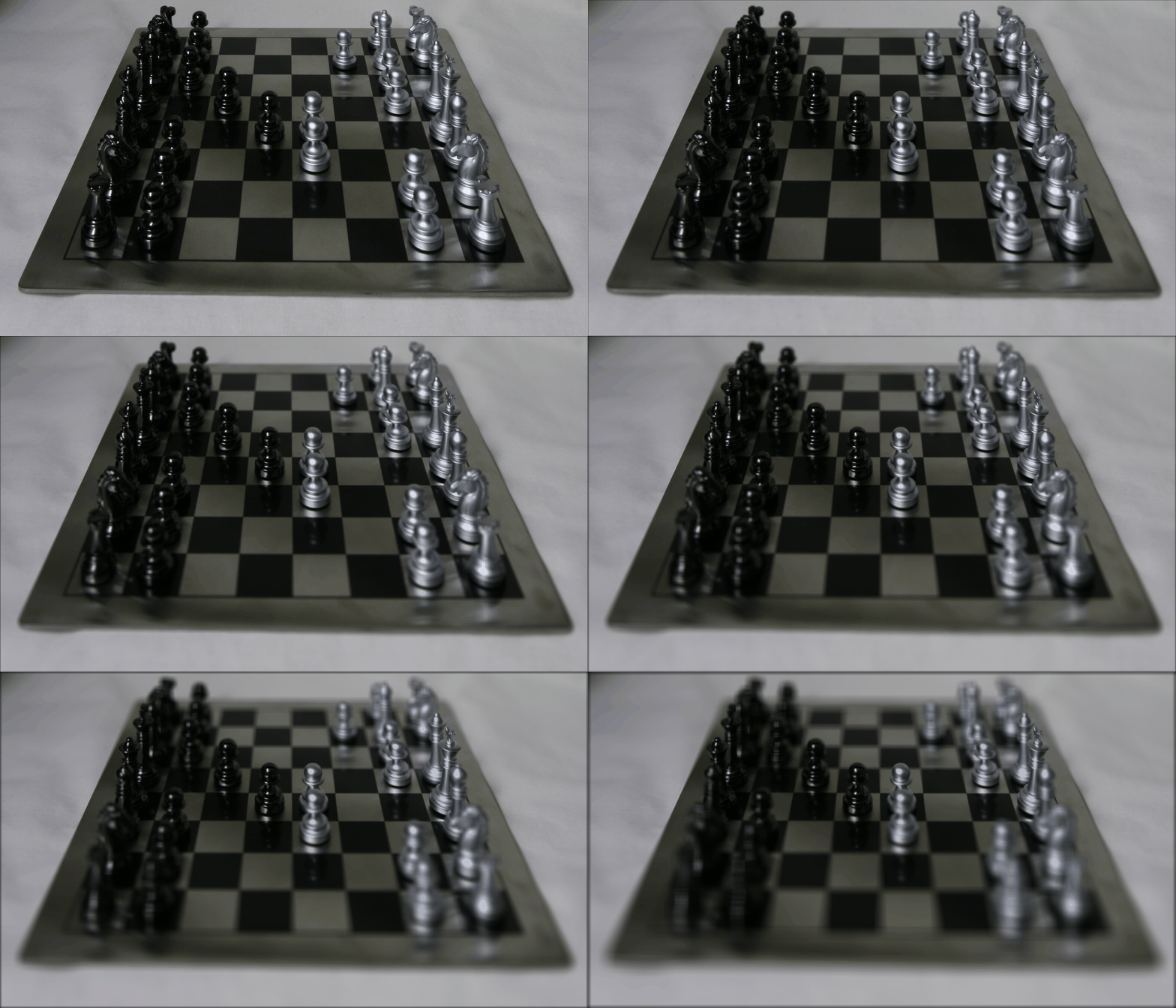
For the chess board, I picked an alpha value = 0.9 so that as the radius increases, the pieces in the centre remain in focus while the rest become blurry.
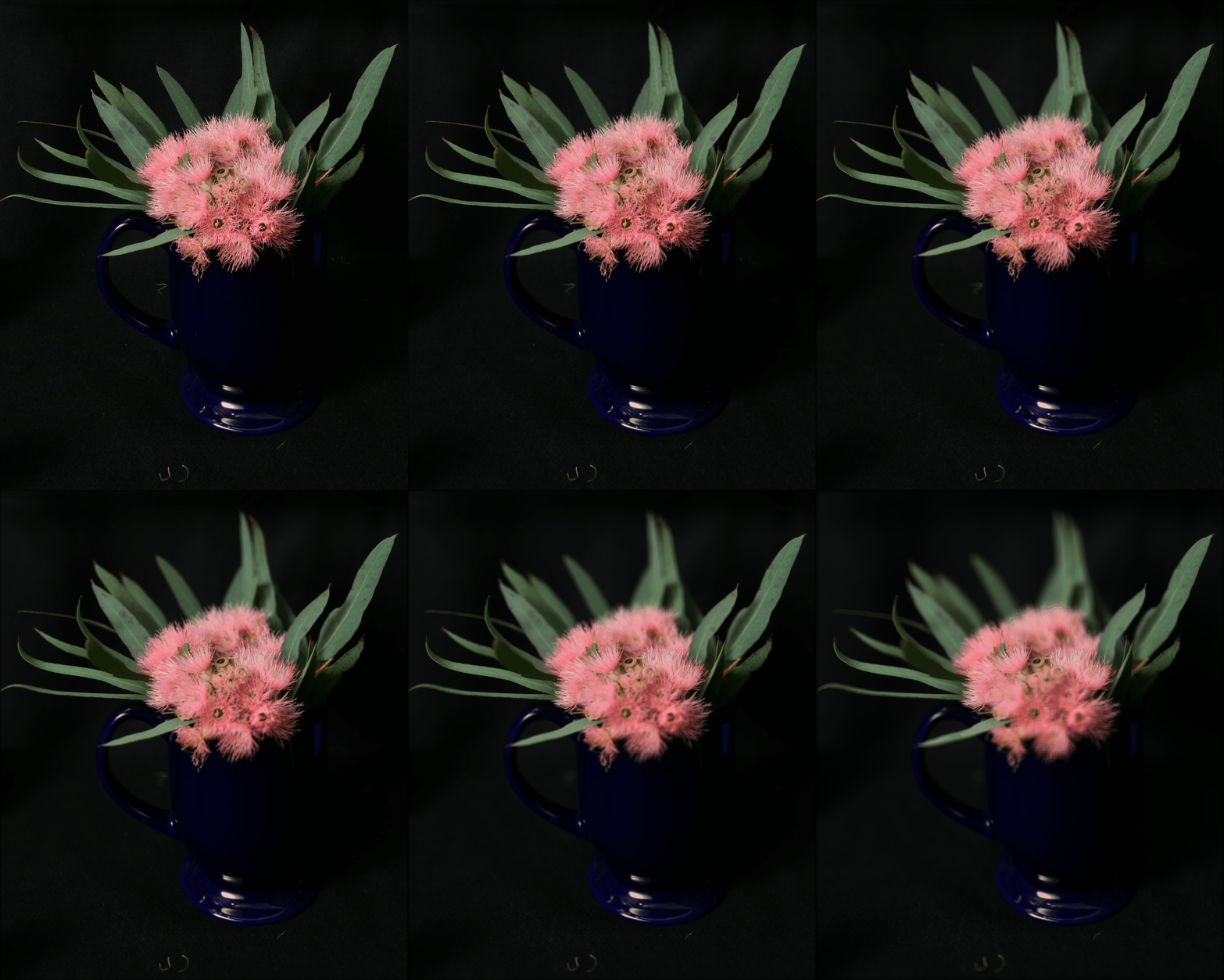
FOr the image of the flower, I picked an alpha value = 1.5 so that as the radius increases, the centre of the flower remains in focus while the rest becomes blurry.
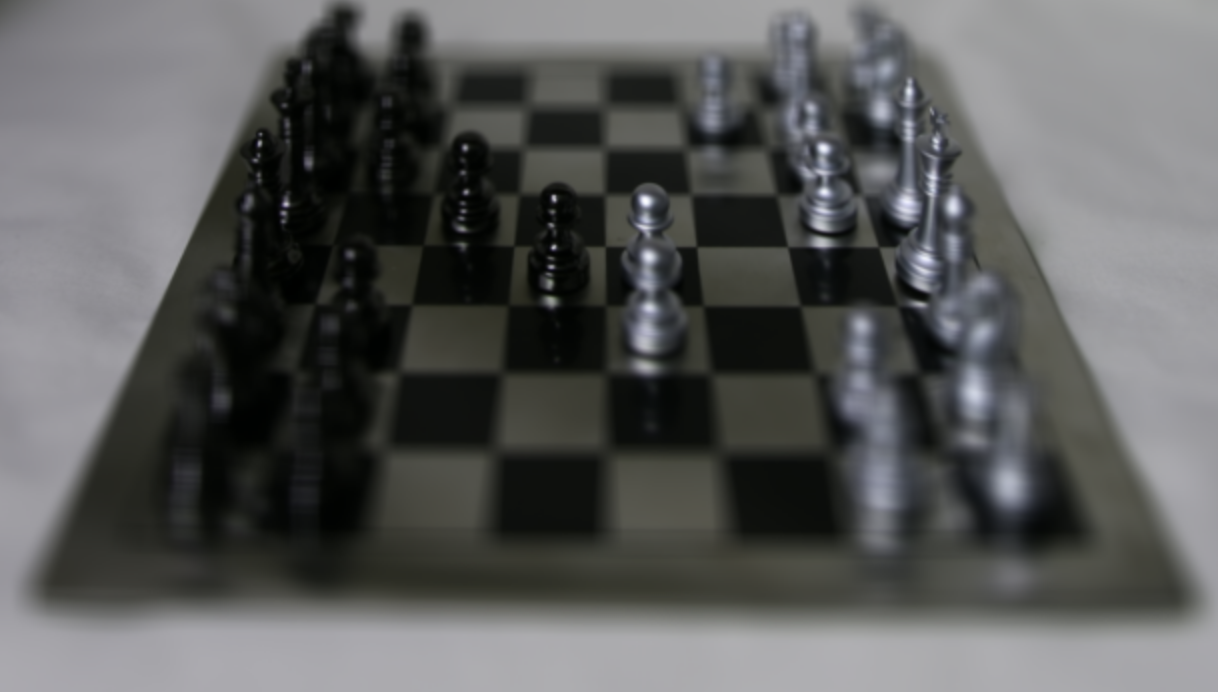
GIF: Chess Board through varying aperture adjustments
R = 0R = 1R = 3
R = 5R = 7R = 10
R = 50
GIF: Flower through varying aperture adjustments
Part 3: Summary
This was a fun exercise in changing the depth of focus and aperture width of an image using a well-formatted grid image dataset. This taught me about the significance of optical flow considerations during photography. Changing depth of focus and aperture after images have been taken using simple image translation and averaging was a cool idea.